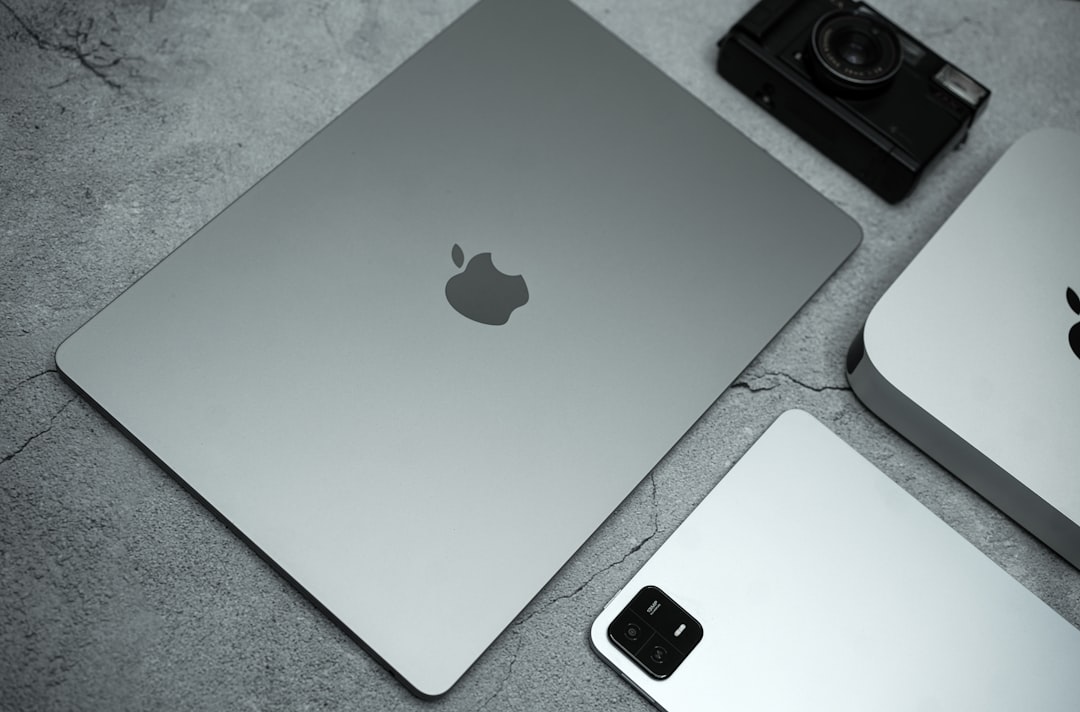
Not too powerful, not too cheap — the M5 MacBook Air is Apple's Goldilocks laptop. It sits between the budget MacBook and the premium MacBook Pro, and for the vast majority of users — students, remote workers, creators, professionals — it's the one that gets it exactly right.
Quick Specs
| Chip | Apple M5 (8-core CPU, 10-core GPU) |
| RAM | 16GB unified memory (base) / 24GB option |
| Storage | 256GB SSD (base) up to 2TB |
| Display | 13.6" Liquid Retina, 2560×1664, 500 nits |
| Battery | Up to 18 hours (Apple claim) |
| Weight | 1.24 kg (2.7 lbs) |
| Ports | 2x Thunderbolt 4, MagSafe, headphone jack |
| Starting price | $999 / approx. ₹83,000 |
MacBook Air M5 vs MacBook Pro vs Previous Air
| Feature | Air M5 | Pro M4 | Air M4 |
|---|---|---|---|
| Starting price | $999 | $1,599 | $899 (older) |
| Fan / Active cooling | ✘ Fanless | ✔ Yes | ✘ Fanless |
| CPU performance | Very fast | Faster (sustained) | Fast |
| Display quality | Excellent | ProMotion 120Hz | Excellent |
| Battery life | ~18 hrs | ~22 hrs | ~18 hrs |
| Weight | 1.24 kg | 1.60 kg | 1.24 kg |
| Best for | Most users | Pro workflows | Budget Apple buyers |
Pros & Cons
What's Great
- Exceptional battery life (real-world ~15–17 hrs)
- Silent — completely fanless design
- M5 chip handles video editing, coding, multitasking easily
- Best-in-class keyboard and trackpad
- MacOS ecosystem — seamless with iPhone, iPad, AirPods
- Slim and light enough for daily carry
What to Watch Out For
- No fan = throttles under very heavy sustained loads
- Base 256GB storage fills up fast — upgrade recommended
- Only 2 Thunderbolt ports (no SD card slot)
- No 120Hz ProMotion display (that's the Pro)
- Premium pricing vs Windows competitors
Who Should Buy the M5 MacBook Air?
✅ Buy it if you are...
A student, remote worker, writer, or freelancer who needs a fast, reliable laptop with all-day battery. Also great for light-to-medium video editing, software development, Zoom calls, and anyone switching from Windows who wants a premium build without the MacBook Pro price tag.
⚠️ Consider the MacBook Pro if you are...
A professional video editor, music producer, 3D artist, or developer running sustained heavy workloads for hours on end. The Pro's active cooling means it won't throttle — the Air will, eventually, under maximum sustained load.
❌ Skip Apple entirely if...
Your budget is under ₹60,000 and you primarily use Windows software or games. In that range, competitors like Dell XPS or ASUS ZenBook offer better value.
Performance in Real Use
The M5 chip is a meaningful step up from the M4. Everyday tasks — browser with 20+ tabs, Slack, Zoom, documents — feel instant. Video editing in Final Cut Pro handles 4K timelines without breaking a sweat. Running Python scripts, Xcode builds, and even light machine learning tasks is genuinely fast.
The fanless design works well for 95% of use cases. Where you'll notice a difference vs the Pro is sustained rendering — export a long 4K video or run a complex ML model and the Air will eventually thermal-throttle to protect itself. For most people, this never comes up in daily use.
Battery Life
Apple claims 18 hours. In real use — mixed browsing, writing, video calls — expect 14–17 hours. That's a full workday on a single charge, which is genuinely rare even in 2026. This alone is one of the biggest reasons to choose the Air over competing Windows laptops.
Where to Buy — MacBook Air M5
Available on Amazon India, Flipkart, and Apple.com. Prices vary — check current deals before buying.
Frequently Asked Questions
Is the M5 MacBook Air worth upgrading from M3 or M4?
If you're on M3 or M4, the performance jump is real but not dramatic for everyday tasks. Worth it if you're buying new or coming from Intel. Not worth upgrading if your current Air is working fine.
Should I get 16GB or 24GB RAM?
16GB is fine for most users. Go 24GB if you run multiple heavy apps simultaneously, work with large video files, or plan to keep the machine for 5+ years. You cannot upgrade RAM later — decide at purchase.
Which storage size should I choose?
Skip the 256GB base — it fills up fast, especially with macOS updates and media. The 512GB sweet spot covers most people. Only go 1TB+ if you store large video or photo libraries on the device.
How does it compare to similarly priced Windows laptops?
In raw performance per rupee, premium Windows laptops can match it. But the MacBook Air wins on battery life, build quality, display, and the macOS ecosystem integration if you use other Apple devices. It's a different set of trade-offs, not a clear winner for everyone.